


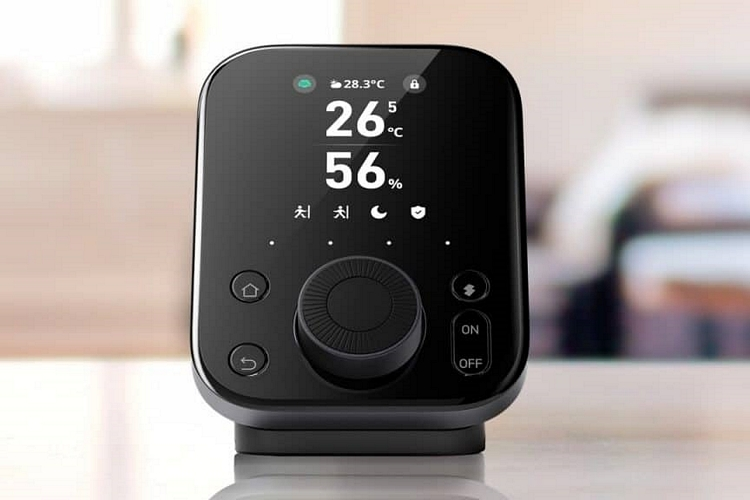
SwitchBot makes some of the most popular smart home hubs out there, allowing you to control not just the outfit’s products, but other compatible smart home devices. The SwitchBot Hub 3 is the latest evolution of their smart home controller and it’s a pretty substantial upgrade.
What’s new with this iteration? A couple of big things. For instance, it now gets physical controls, which should make it a lot more convenient to use, as well as Matter compatibility, so you should be able to use it with an overwhelming majority of smart home devices in the market. It gets an all-new look, too, which is a pretty significant departure from the previous iterations.
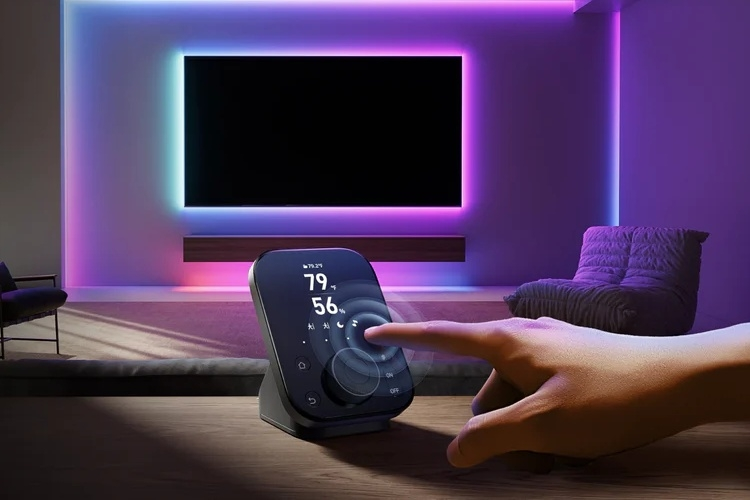
The SwitchBot Hub 3 has a front panel with a touchscreen on top, a large knob below it, and a set of four buttons around it. You can use the touchscreen if you prefer the same control scheme as the previous versions of the hub, although the physical controls do offer some nice usability upgrades. For instance, you can use the knob for precision control of your smart light’s brightness, adjusting the temperature on your thermostat, or cranking up the volume on the TV. The other buttons make accessing important features easy, too, such as going to the home screen or returning to a previous screen.
At the bottom of the screen sits four virtual buttons they call “screens,” which are customizable, so you can change them to reflect any function you want within easy reach. They’re programmable, as well, so you can set different scenes to show up based on various events in your smart home ecosystem. It’s also got four built-in sensors, namely motion, light, temperature, and humidity, readings from which can be displayed onscreen, along with environmental data from other sensors that are connected to it. The display, by the way, will automatically turn on any time it detects motion, so it will be ready to interact with users any time someone’s nearby.
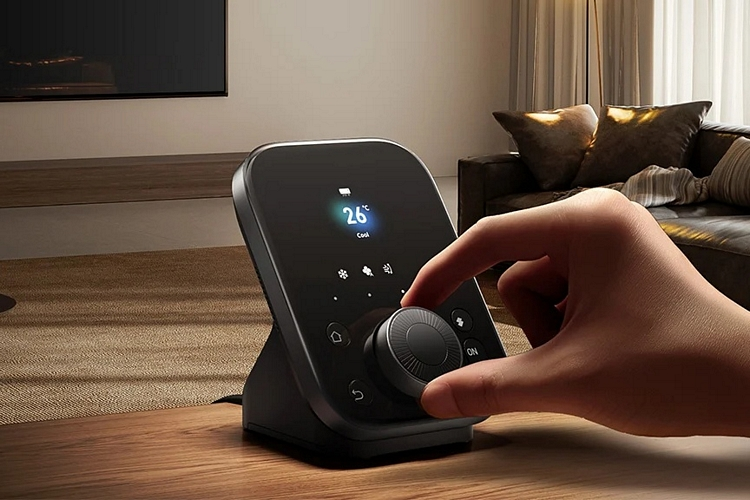
The SwitchBot Hub 3 supports all of the outfit’s devices, of course, from their original switches and smart curtains to their smart locks and robot vacuums. It also supports Matter, which allows it to act as a bridge for up to 30 SwitchBot devices, all while sending Matter commands to smart home products that support the same standard. Up to 30 programmable controls can be assigned specifically for Matter, making it easy to enable all sorts of automations.
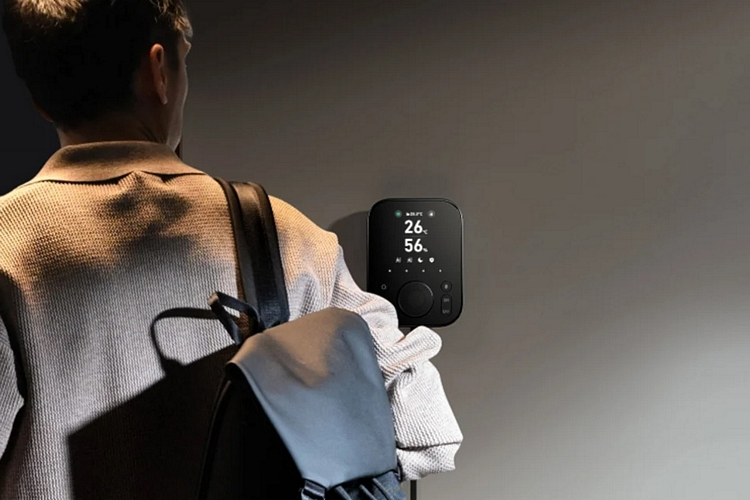
The device, by the way, can also serve as a universal remote, with support for over 100,000 IR codes and a signal range of up to 30 meters. That means, you can use it control TVs, air-conditioners, and other appliances that use IR remotes. This holds true for streaming boxes, as well, as it can be used for Apple TV, Fire TV, and Android TV, letting you change volume and channels like a regular remote, making it a real all-in-one control center for nearly everything that has a wireless connection in your home. The whole thing can mounted on a wall or set down on the included stand.
